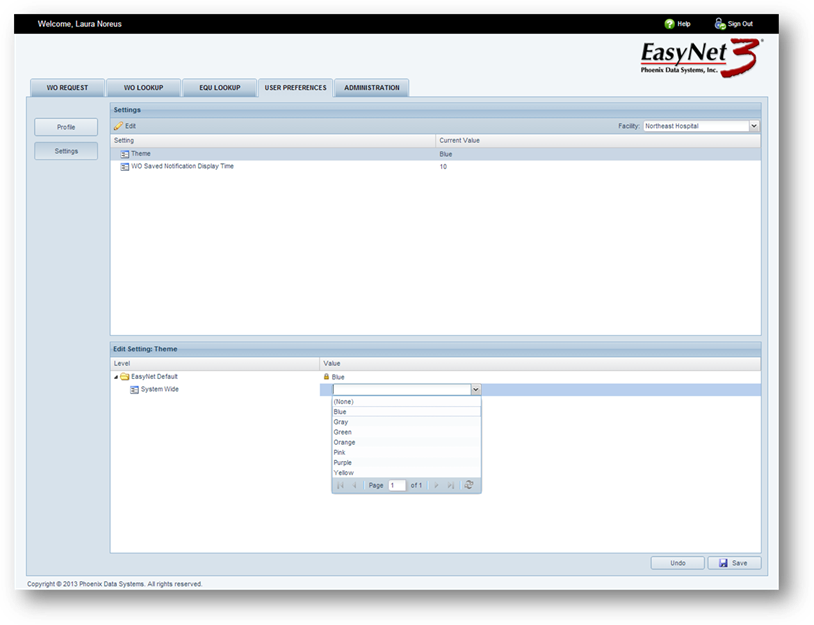
Use User Preferences to change your password and configure personal settings.
1. Click on the User Preferences tab.
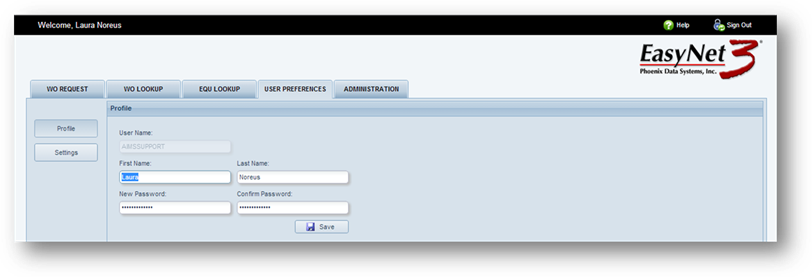
Profile
1. Click on the Profile button.
2. Edit your name and/or change your password.
3. Click on Save.
Settings
1. Click on the Settings button.
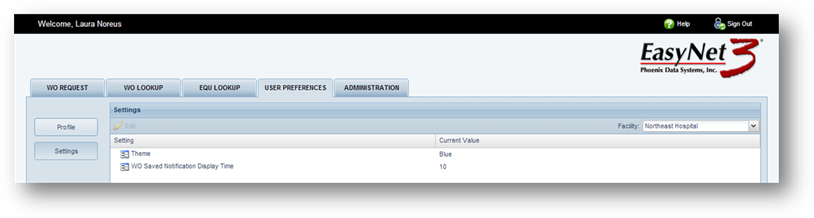
2. To change a setting, click on the setting you want to change and click on the Edit icon.
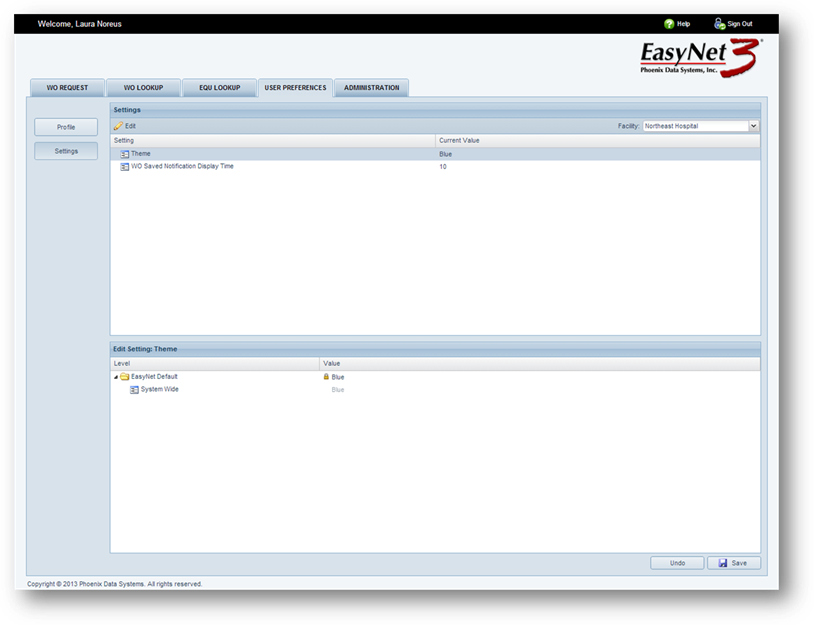
NOTE: Under Edit Settings you have the ability to change your setting at the System Wide level or for a specific Database.
3. Click on the Value you want to change. You will receive a valid entry list of available options.
4. Click on the new Value.
5. Click on Save.