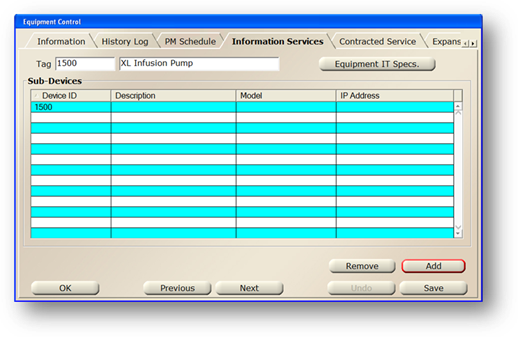
1. Click on the Add Button.
⋅ The Equipment Sub-Device IT Specifications dialog opens
NOTE: The Tag Number defaults from the Tag.
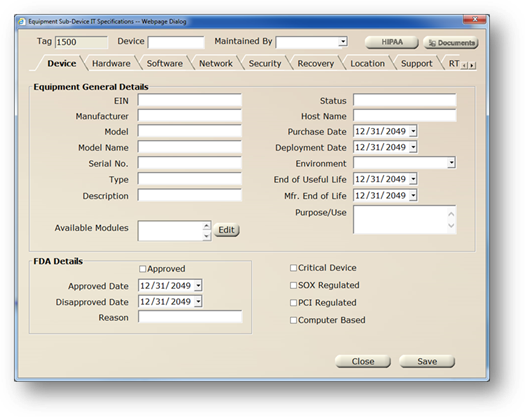
2. Enter a Device Number.
3. Click on the respective fields, tabs and buttons to add information as necessary.
•See the User Manual for complete details.
4. Click on the Save Button to save your changes.
5. Click on the Close Button to return to the main screen.